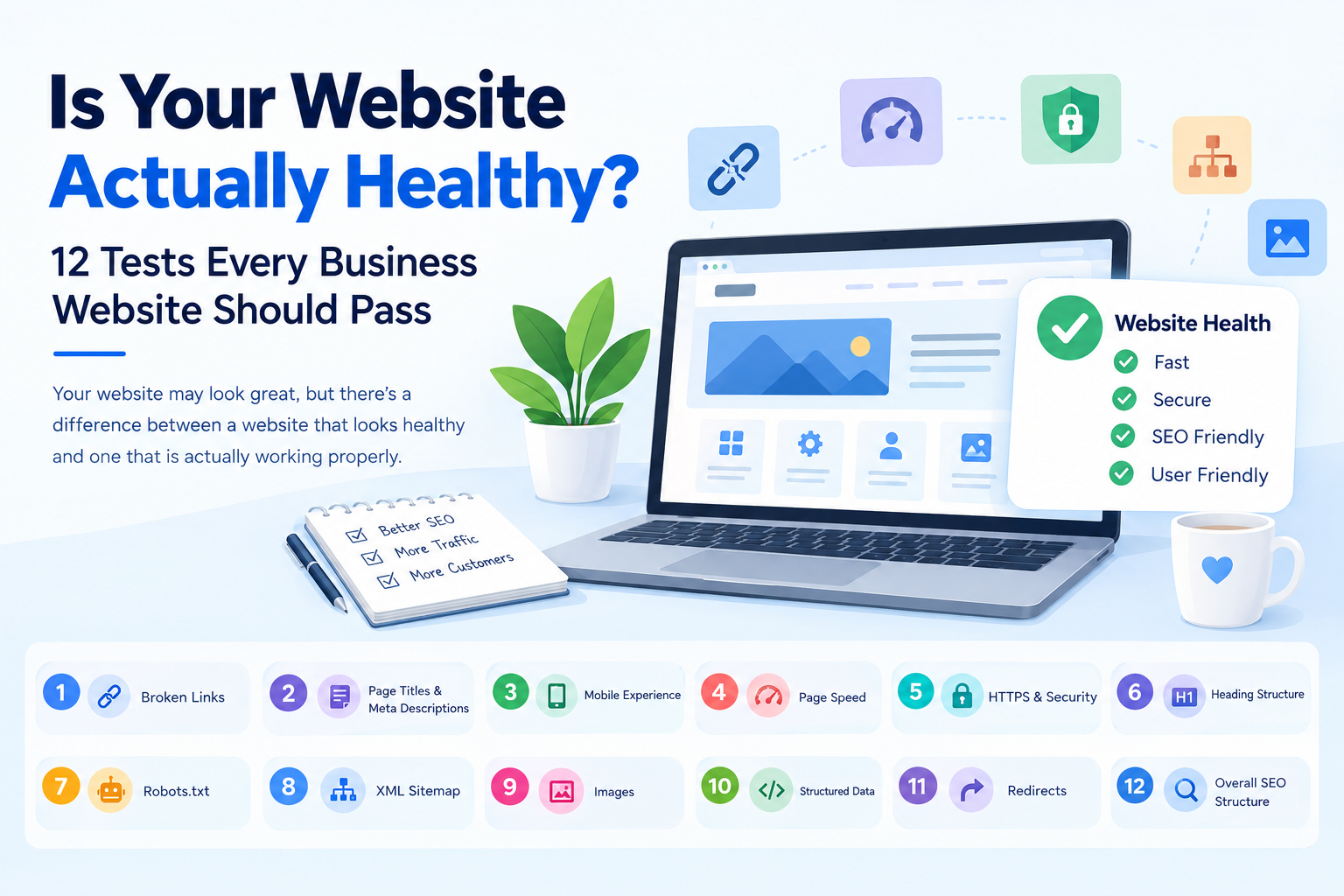
But there is a difference between a website that looks healthy and one that is actually working properly.
Behind the scenes, a website can have broken links, missing SEO information, slow-loading pages, incorrect redirects, poor heading structure, missing image descriptions and other technical problems that visitors may never notice—but search engines certainly can.
The good news is that you don't need to be a web developer to check many of these problems.
Here are 12 important tests every business website should pass.
1. Check for Broken Links
A broken link takes visitors to a page that doesn't exist or returns an error. Too many broken links create a frustrating experience and can also affect how search engines crawl your website.
Run your website through a Free Dead Link Checker to find broken internal and external links, 404 errors and other link problems.
2. Check Your Page Titles and Meta Descriptions
Every important page should have a meaningful title and meta description.
Your page title helps search engines understand what the page is about, while the description can influence whether someone clicks your result in Google.
Use a Keyword & Title Inspector to examine title length, keywords, meta descriptions and how your search result may appear.
3. Check Your Website's Mobile Experience
Open your website on a smartphone.
Can you read everything without zooming? Are buttons easy to tap? Does the menu work properly? Do images fit the screen?
A website that works beautifully on a desktop but feels awkward on a phone is not truly healthy.
Mobile usability should be tested regularly, particularly after website redesigns or major content changes.
4. Test Your Page Speed
Nobody likes waiting for a website to load.
Large images, excessive scripts, poor hosting, inefficient code and other technical issues can slow down a website. Slow pages can also result in visitors leaving before they see your content.
Use a Page Speed Checker to examine performance, Core Web Vitals, response times and heavy page elements.
5. Check Your HTTPS and Security
Does your website use HTTPS?
If your browser displays a security warning, your SSL certificate may have expired or there may be another configuration problem.
HTTPS is now a basic expectation for business websites. Visitors should feel comfortable entering information, filling out forms or making enquiries through your website.
Security should not be something you think about only after something goes wrong.
6. Check Your Heading Structure
Headings aren't just about making a page look organised.
Your H1, H2, H3 and other heading tags help search engines and visitors understand the structure of your content.
For example, a page should normally have a clear main heading, followed by logical subheadings.
Use the H1–H6 Heading Checker to identify missing H1 tags, multiple H1s, skipped heading levels and other structural issues.
7. Check Your Robots.txt File
Your robots.txt file tells search engine crawlers which parts of your website they can or cannot access.
A small mistake here can have a surprisingly large impact.
For example, an incorrect rule could accidentally prevent search engines from crawling pages that you actually want indexed.
Check your robots.txt configuration regularly, especially after a website migration or redesign.
8. Check Your XML Sitemap
Your sitemap helps search engines discover important URLs on your website.
It should contain useful, indexable pages—not a collection of outdated URLs, broken pages or pages you don't want indexed.
The Sitemap Checker & Generator can help identify sitemap and indexation problems.
9. Check Your Images
Images are essential for modern websites, but they can also create problems.
Large image files can slow down your pages, while images without useful alt text can create accessibility and SEO issues.
Check whether important images have appropriate alt attributes and whether image files are unnecessarily large.
The Image Alt Tag Checker can help identify missing, empty or redundant alt text across your website.
10. Check Your Structured Data
Have you ever noticed Google search results showing star ratings, FAQs, product information or other enhanced search features?
Structured data, including Schema.org and JSON-LD, helps search engines understand certain types of content.
It isn't suitable or necessary for every page, but when used correctly, it can help search engines interpret your content more effectively.
Check your website's structured data for errors rather than simply adding schema because someone told you that "more schema is better."
11. Check Your Redirects
Pages get moved. URLs change. Websites are redesigned.
The problem starts when old URLs are redirected through several unnecessary steps—or worse, create redirect loops.
A proper 301 redirect can help visitors and search engines reach the correct new page while preserving valuable SEO signals.
Regularly checking redirects is particularly important after a website migration.
12. Check Your Overall SEO Structure
Finally, look at your website as a whole.
Are important pages properly connected? Are your main services easy to find? Do pages have meaningful headings? Are important URLs indexable? Are there obvious technical SEO problems?
A healthy website isn't simply one that has good keywords. It combines good content, technical accessibility, speed, structure and a smooth user experience.
Why Regular Website Audits Matter
Think of your website like a car.
You don't wait until the engine stops working before checking the oil, tyres and brakes.
Your website deserves the same attention.
A problem that looks small—one broken link, a missing title, an incorrect robots.txt rule or a slow page—may not immediately destroy your business. But hundreds of small problems can gradually affect user experience, search visibility and enquiries.
The best part is that many of these checks can be done without expensive SEO software.
Audit Your Website for Free
At Free Website Auditor, we've developed a growing collection of free website and SEO diagnostic tools to help business owners, marketers and web professionals identify common website problems.
You can use the tools to check broken links, titles, images, headings, sitemaps, page speed and other important website elements.
There is no need to buy an expensive SEO subscription just to find out whether your website has basic technical problems.
Run the tests. Find the problems. Fix them. Keep your website healthy.
And if your audit uncovers bigger problems—whether it's an outdated website, poor SEO, slow hosting or a website that simply isn't generating enquiries—Dots and Coms can help you fix the underlying issues and build a website that works as hard as your business does.